
Mastering Excel 365 - Advanced Part 3: Data Manipulation
- Product ID
- bbrnmead3_vod
- Training Time ?
- 41 to 43 minutes
- Language(s)
- English
- Video Format
- High Definition
- Required Plugins
- None
- Number of Lessons
- 6
- Quiz Questions
- 2
- Question Feedback
- Wrong Answer Remediation
- Lesson Bookmarking
- Downloadable Resources
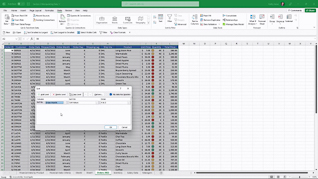
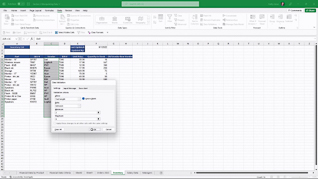
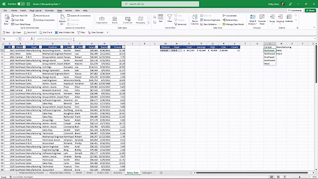
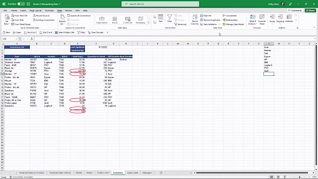
Advanced level Microsoft Excel 365 features and functions are more easily learned and readily applied when the user learns the function in a real-time context. This is especially true when it comes to mastering advanced level data manipulation.
Showing multiple examples of each of the six featured data manipulation functions – Advanced Filtering; Advanced Sorting; Data Validation; Data Validation Lists; Data Validation Messages And Invalid Data; Combo Boxes – this course assures learners understand how, when, and why elevating their data manipulation skills elevates the accuracy of their business information.
Use this course so Excel users understand and fully utilize Excel 365 Data Manipulation functions.
 This course is in the Video On Demand format, to read about Video On Demand features click here.

- Full-screen video presentation
- Print certificate and wallet card
- You have 30 days to complete the course
Organizational employees at all levels who need to elevate their Excel 365 Data Manipulation skills
- Advanced Filtering
- Advanced Sorting
- Data Validation
- Data Validation Lists
- Data Validation Messages And Invalid Data
- Combo Boxes
© Mastery Technologies, Inc.

