
Back to Course List
Mastering Excel 365 - Advanced Part 6: Charts
- Product ID
- bbrnmead6_vod
- Training Time ?
- 22 to 24 minutes
- Language(s)
- English
- Video Format
- High Definition
- Required Plugins
- None
- Number of Lessons
- 4
- Quiz Questions
- 2
- Question Feedback
- Wrong Answer Remediation
- Lesson Bookmarking
- Downloadable Resources
Overview
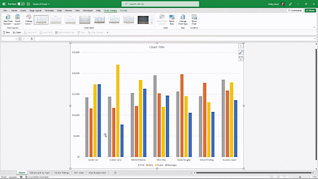
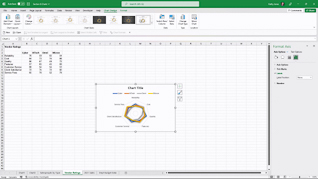
Excel charts are tools used to present data. This training explores working with advanced charts in Microsoft Excel 365.
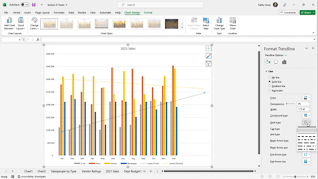
This course explores how to upgrade chart presentations in Excel 365. Viewers learn how to work with combo charts to present complicated information. This training also demonstrates using trend lines for forecasting.
Microsoft Excel 365 offers flexible ways to create and manage charts. Use this training to educate employees about improving their charts in Microsoft Excel 365.
 This course is in the Video On Demand format, to read about Video On Demand features click here.
- Full-screen video presentation
- Print certificate and wallet card
- You have 30 days to complete the course
Workplaces
Categories
Audience
Excel 365 users
Topics
The course presents the following topical areas:
- Customize Charts
- Combo Charts
- Trendlines
- Chart Templates
© Mastery Technologies, Inc.

