
Mastering Excel 365 - Advanced Part 7: Graphics
- Product ID
- bbrnmead7_vod
- Training Time ?
- 27 to 29 minutes
- Language(s)
- English
- Video Format
- High Definition
- Required Plugins
- None
- Number of Lessons
- 4
- Quiz Questions
- 2
- Question Feedback
- Wrong Answer Remediation
- Lesson Bookmarking
- Downloadable Resources
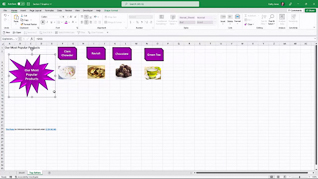
Excel supports a wide range of visual elements, and Microsoft continues to expand tools for creating and customizing charts, graphics, and other visual content (Microsoft).
This course takes your Excel graphics skills beyond the basics, covering advanced graphic formatting, detailed customization, and techniques for manipulating graphic objects. You will learn how to control the appearance, placement, and behavior of visual elements so your workbooks look intentional and professional.
The focus of this advanced Excel 365 training is practical: greater control, cleaner presentations, and graphics that communicate information effectively.
 This course is in the Video On Demand format, to read about Video On Demand features click here.
- Full-screen video presentation
- Print certificate and wallet card
- You have 30 days to complete the course
The course is intended for experienced Excel 365 users
- Screenshots Symbols 3D Models
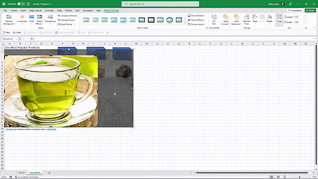
- Format Graphics Part 1
- Format Graphics Part 2
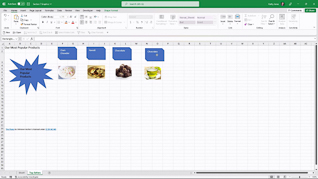
- Manipulate Graphic Objects
© Mastery Technologies, Inc.

