
Mastering Excel 365 - Intermediate Part 1: Editing

- Product ID
- bbrnmein1_vod
- Training Time ?
- 46 to 49 minutes
- Language(s)
- English
- Video Format
- High Definition
- Required Plugins
- None
- Number of Lessons
- 8
- Quiz Questions
- 3
- Question Feedback
- Wrong Answer Remediation
- Lesson Bookmarking
- Downloadable Resources
Excel remains one of the world’s most widely used business applications, with more than one billion users relying on it to organize, analyze, and report data (Microsoft). This course teaches users about the intermediate editing tools that save time and improve accuracy.
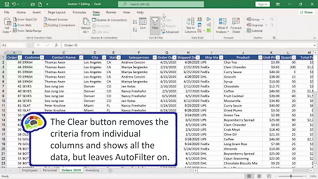
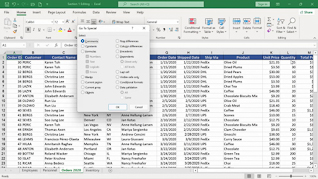
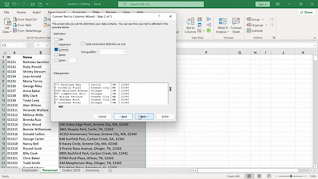
The course demonstrates how to use Flash Fill, Text to Columns, Find and Replace, Sort and Filter, proofing and research tools, Group mode, and workbook properties. You will learn how to clean data faster, streamline repetitive tasks, and manage workbooks more effectively.
The result of this training is simple: less manual work, fewer errors, and greater productivity.
 This course is in the Video On Demand format, to read about Video On Demand features click here.

- Full-screen video presentation
- Print certificate and wallet card
- You have 30 days to complete the course
The course is intended for anyone ready to move beyond basic Excel skills and work more efficiently with data.
- Introduction
- Flash Fill
- Text To Columns
- Find And Replace
- Sort And Filter
- Proofing And Researching Tools
- Group Mode
- Workbook Properties
© Mastery Technologies, Inc.

