
Mastering Excel 365 - Intermediate Part 3: Formatting
- Product ID
- bbrnmein3_vod
- Training Time ?
- 34 to 37 minutes
- Language(s)
- English
- Video Format
- High Definition
- Required Plugins
- None
- Number of Lessons
- 5
- Quiz Questions
- 3
- Question Feedback
- Wrong Answer Remediation
- Lesson Bookmarking
- Downloadable Resources


This online training course introduces Microsoft Excel 365 users to some intermediate formatting tools that can help make spreadsheets more organized, visually effective, and easier to understand. Learners will explore custom number formats, conditional formatting, and other Excel tools for analyzing spreadsheet data.
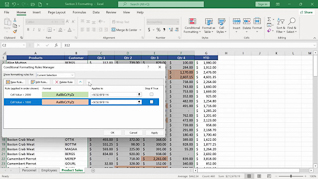
Throughout the course, learners will discover how to create and apply custom number formats to display data in ways that meet specific needs. The training covers conditional formatting for text and dates, helping users quickly identify important information and trends within their spreadsheets. In addition, learners will explore comparative analysis using conditional formatting to make data comparisons easier to interpret.
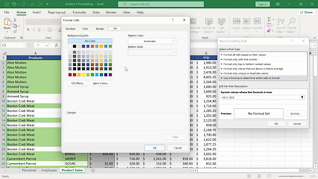
The course also explains how to customize conditional formatting and use functions within conditional formatting rules. By the end of the course, learners will have a better understanding of Excel 365’s formatting capabilities and how to use them to create clear, professional, and informative spreadsheets.
 This course is in the Video On Demand format, to read about Video On Demand features click here.

- Full-screen video presentation
- Print certificate and wallet card
- You have 30 days to complete the course
Excel 365 users
- Custom Number Formats
- Conditional Formatting For Text And Dates
- Comparitive Analysis With Conditional Formatting
- Customizing Conditional Formatting
- Functions In Conditional Formatting
© Mastery Technologies, Inc.

