
Mastering Excel 365 - Intermediate Part 4: Functions
- Product ID
- bbrnmein4_vod
- Training Time ?
- 23 to 25 minutes
- Language(s)
- English
- Video Format
- High Definition
- Required Plugins
- None
- Number of Lessons
- 3
- Quiz Questions
- 2
- Question Feedback
- Wrong Answer Remediation
- Lesson Bookmarking
- Downloadable Resources
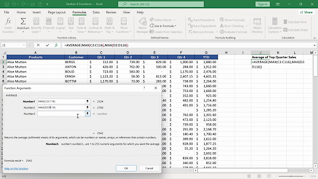

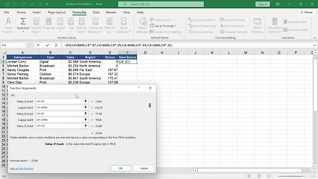
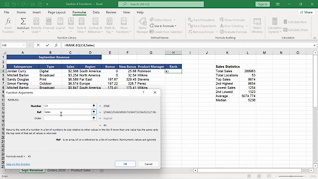
Users at this level in this Mastering Excel 365 series know basic Excel 365 Functions, but, as they discover in this course, they become even more powerful when they are combined.
By demonstrating the features and purposes of nested functions, this course begins by teaching users how to create the foundation for accessing and utilizing functions contained inside another function. Equipped with practice files, users work alongside the “Learner” in this course through three detailed examples – assigning employee bonuses, applying a discount, and calculating the average of the top quarter sales. The course then shows users the salient features and benefits of accessing and using Logical Functions and Statistical Functions in real-world applications.
Present this course so users continue to acquire more sophisticated Excel 365 Functions skills.
 This course is in the Video On Demand format, to read about Video On Demand features click here.

- Full-screen video presentation
- Print certificate and wallet card
- You have 30 days to complete the course
Organizational employees at all levels who need to elevate their Excel 365 Functions skills
- Nested Functions
- Logical Functions
- Statistical Functions
© Mastery Technologies, Inc.

